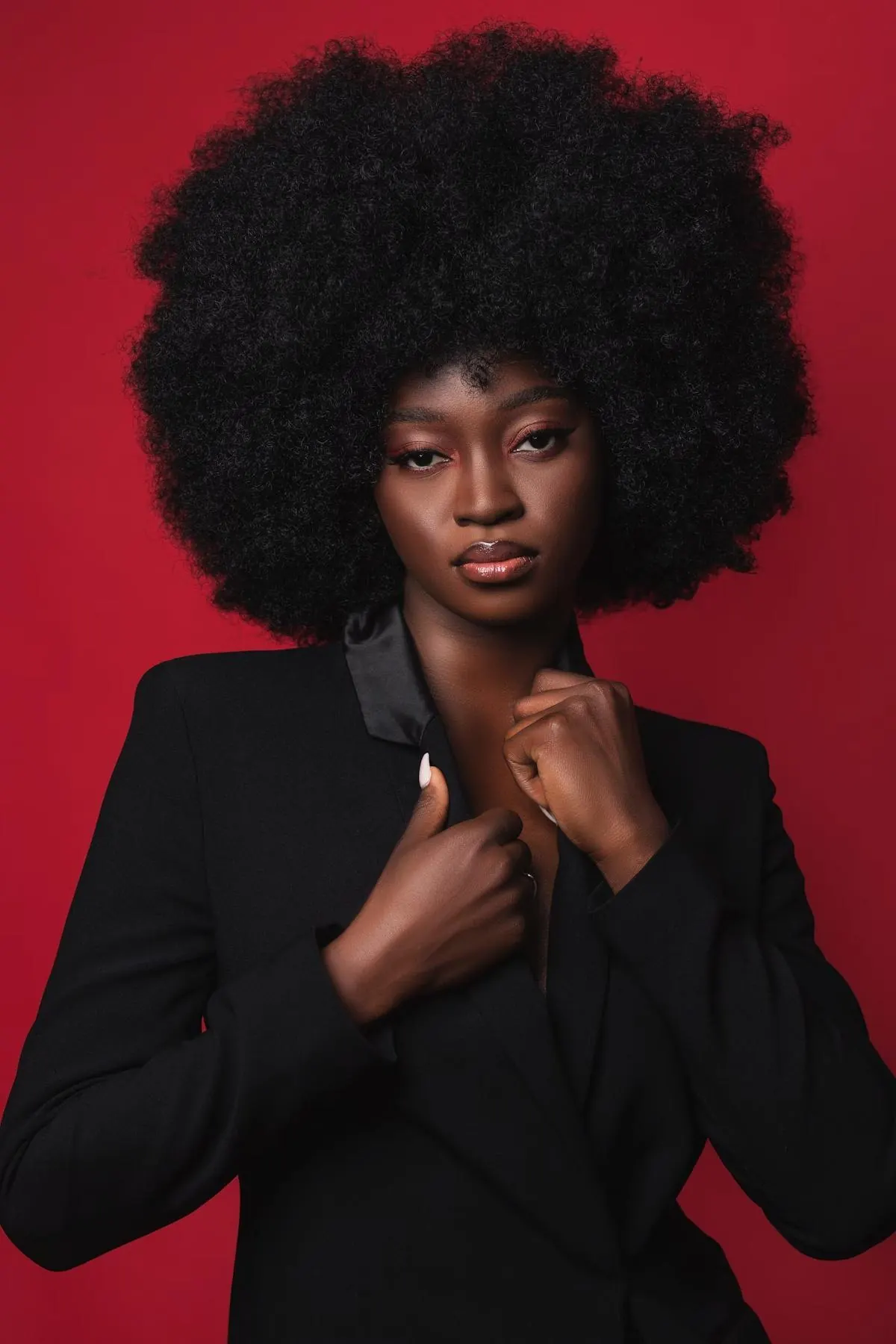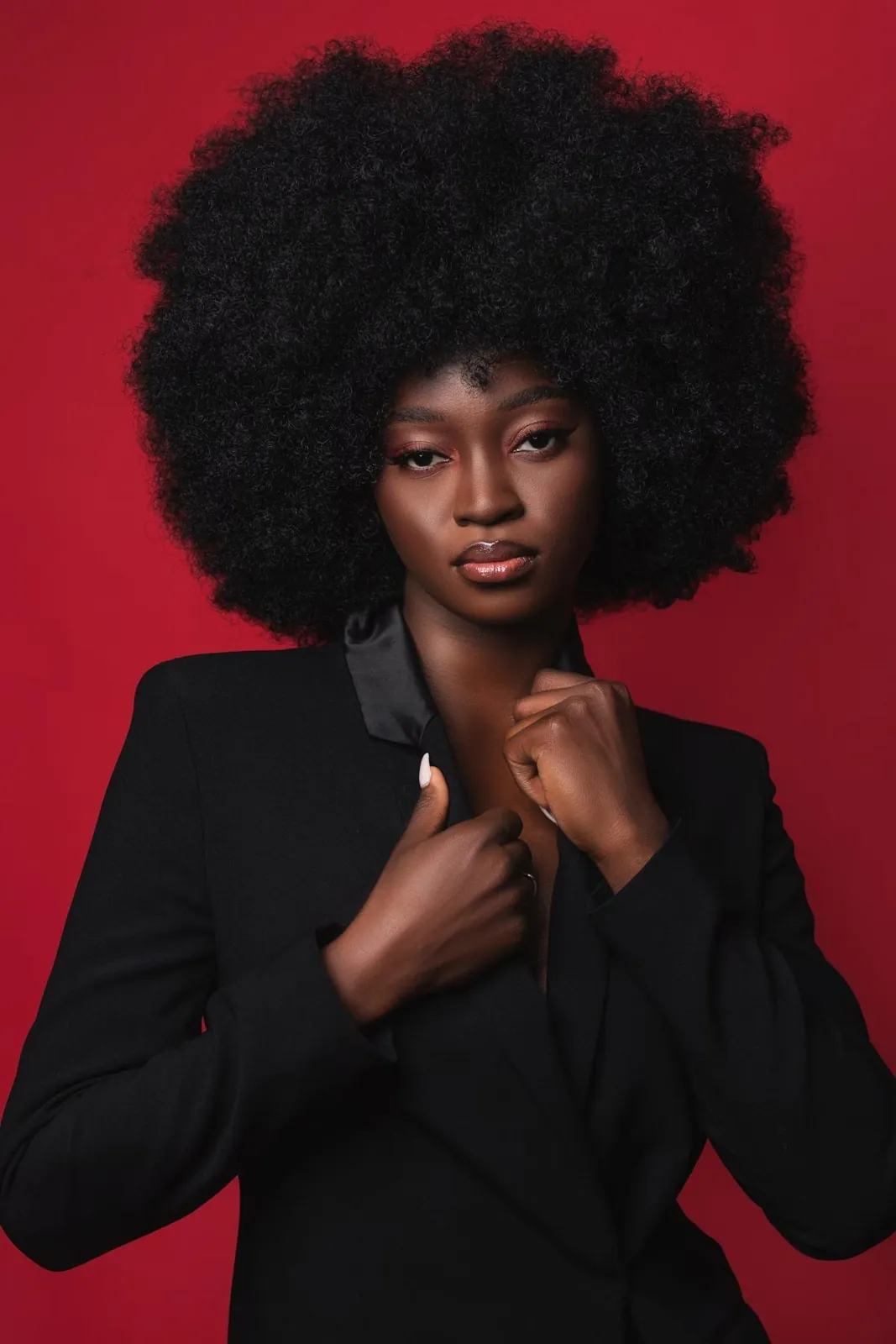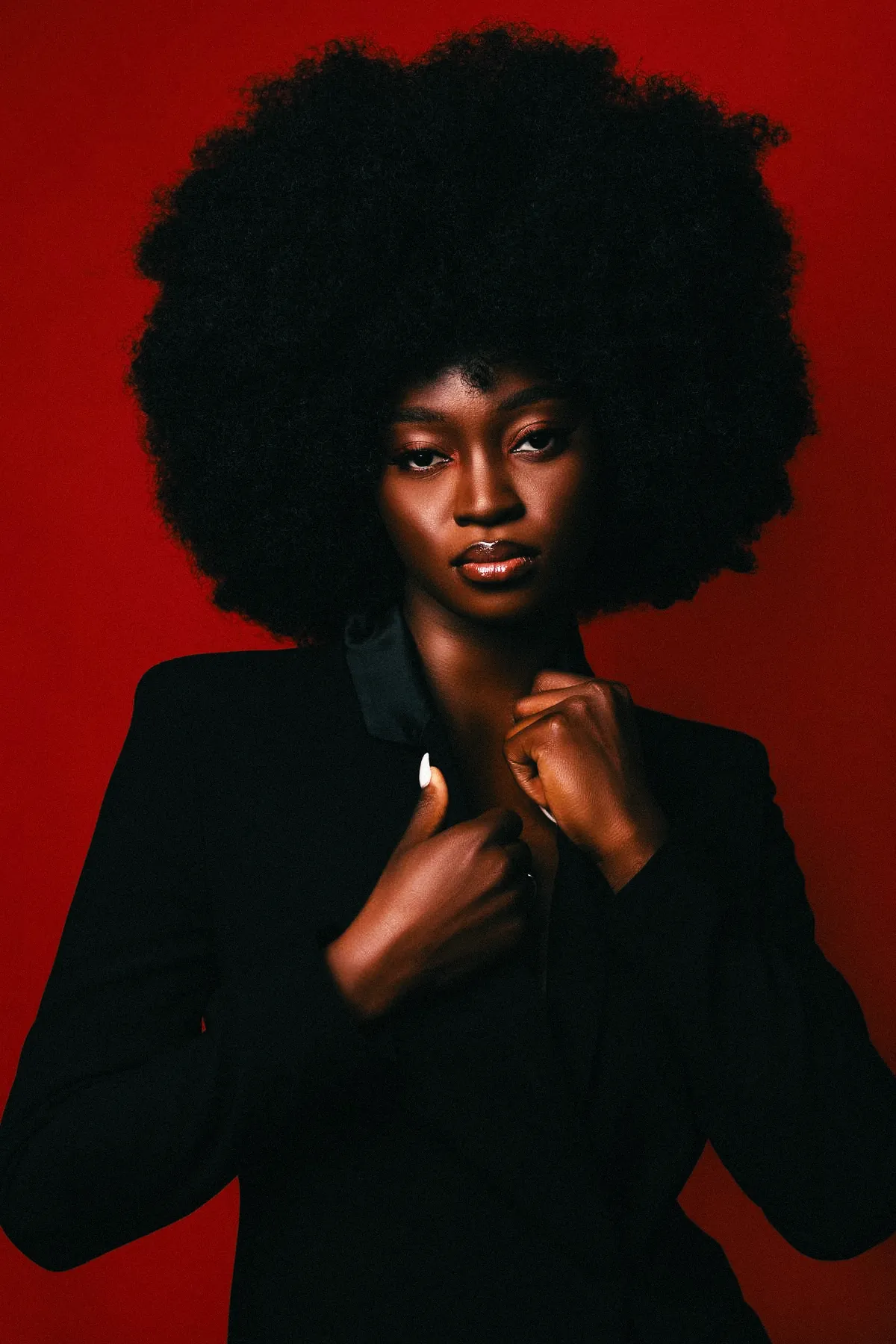


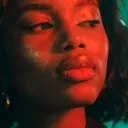


A woman with deep brown skin and a full afro, in a black blazer against a red wall, graded with the app's CP3513 Cinema Print II look.
New pack: After Dark, five looks for flash and neon

Get the LumaLook.

Film looks true to every skin.

Coming soon. For iPhone, iOS 17 or later. Free to download.

KD2 Golden Hour AD2 Neon Nights AG60 London Rain AD1 Afrobeats Glow CN83 Hollywood Print KD52 Cine Negative AD3 Night Drive PT160 Portrait Neg CN93 Premiere Night TX400 Reportage Mono IN669 Instant Warm KC64 Chrome 64 KD4 Portrait Neutral RS100 Redscale FJ4 Meadow Green NP1600 Night Mono

What LumaLook is

Film looks tuned on deep skin first, so every complexion stays true.

Shoot, grade and edit on your iPhone. Every look is free to try, and nothing you export carries a watermark.

See looks on real skin
The LumaLook camera with the KD2 Golden Hour look live in the viewfinder, a lens ruler set to 24 millimetres and exposure, white balance and focus readouts.
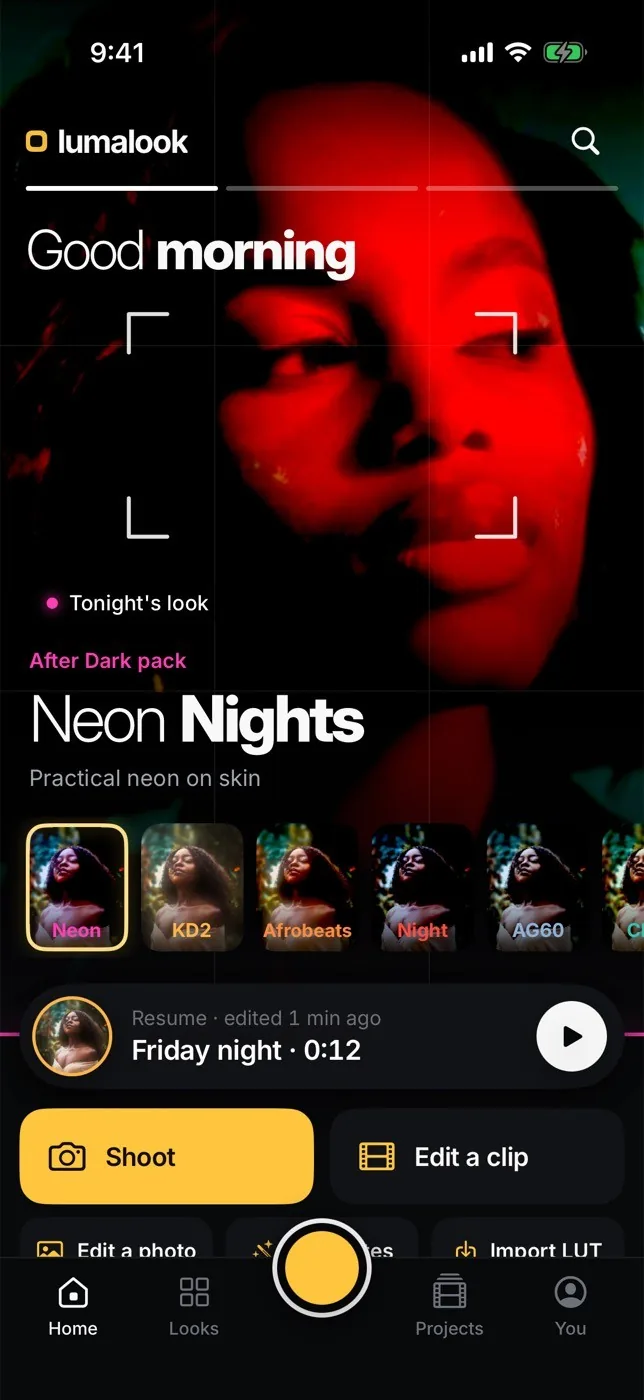
LumaLook Home: the lumalook name and search over a portrait graded with tonight's look, Neon Nights from the After Dark pack, with a strip of looks to try, a Resume card and Shoot and Edit a clip buttons.
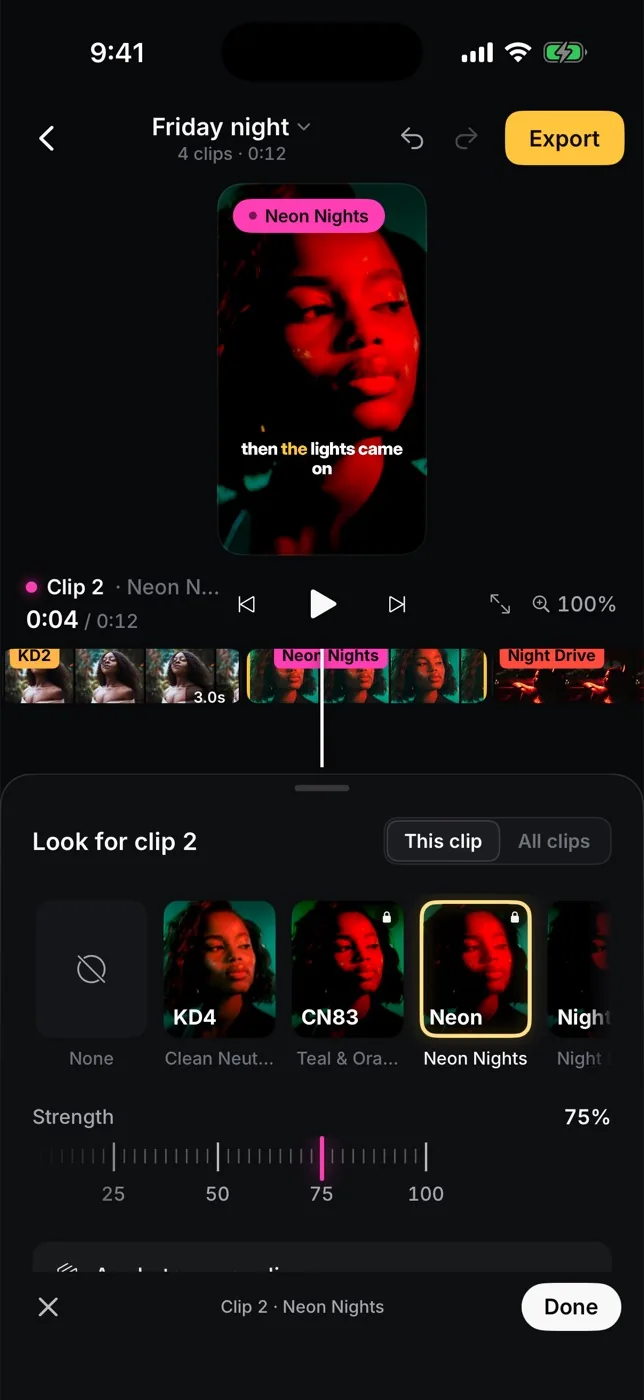
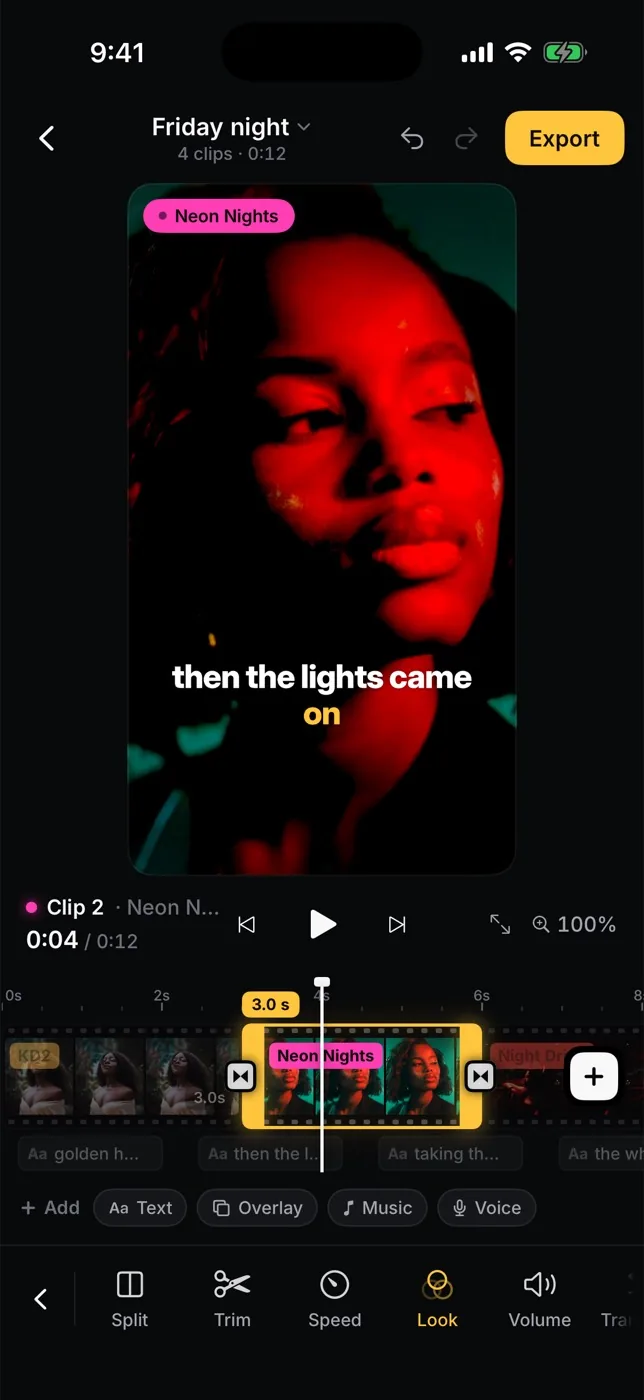
The LumaLook video editor: a clip graded with Neon Nights, a karaoke caption reading then the lights came on, and a timeline with a look on each clip.

How it works

One look, from shutter to share.

Pick a look once and it follows your footage through every step: in the viewfinder, on the timeline and in the file you post. Photos and video, in one app.

1.0 Shoot

Shoot it graded.

Choose a look before you press record and watch it live in the viewfinder. It is baked into every clip and photo you take, so what you see is what you get.

  • Live looksSwipe through looks on the live picture and set the strength.
  • Lens rulerDial the focal length from 13 to 48 mm like a zoom ring.
  • Manual controlExposure, white balance, shutter, ISO and focus, with readouts.
  • Four modesPhoto, video, slo-mo and portrait, with a roll counter.
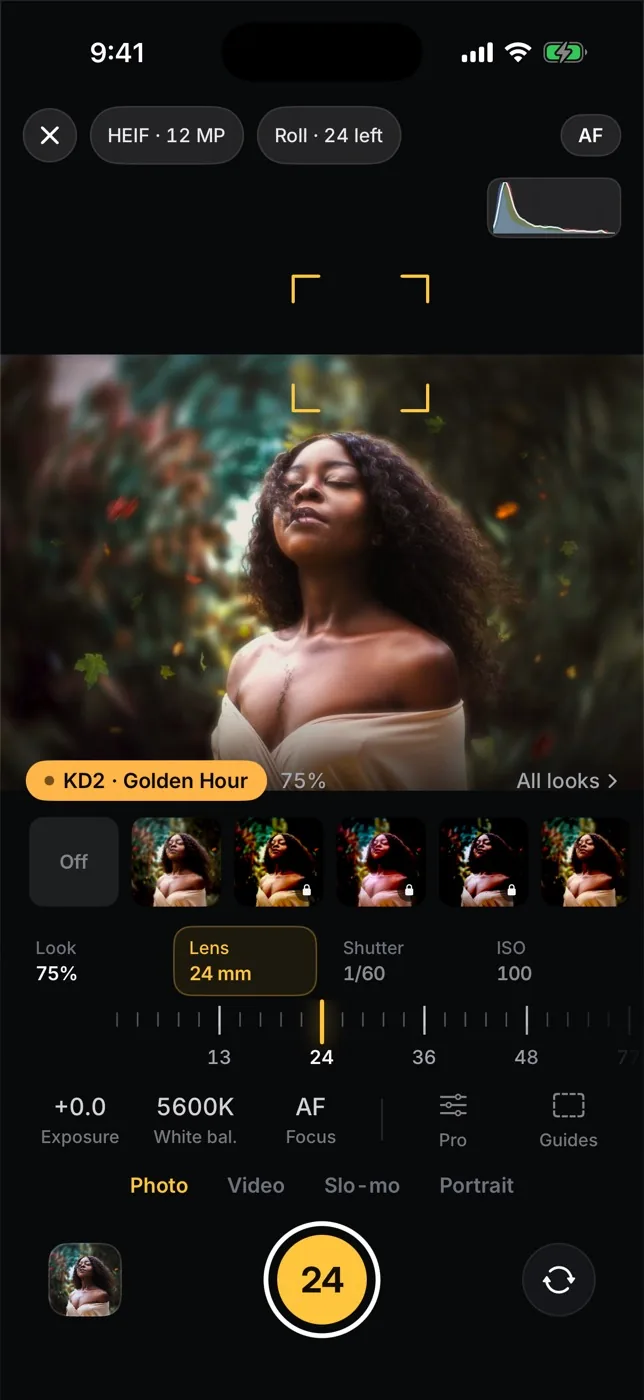
The camera with KD2 Golden Hour at 75 percent, a strip of look swatches and the shutter showing 24 shots left on the roll.

2.0 Grade

Grade anything.

Put a look on any photo or clip in your library, stack another on top, then compare before and after. Bring your own .cube LUTs and they sit beside ours.

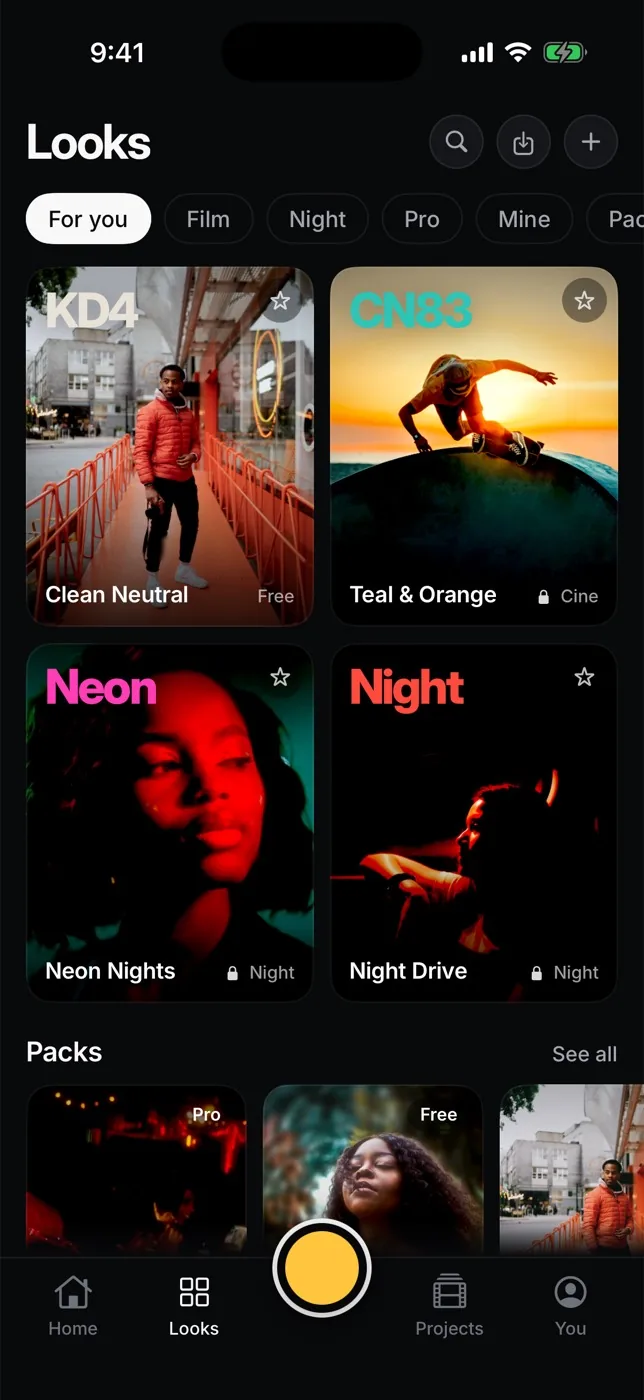
  • 123 looks, 11 packsFilm negatives, slide, mono, instant, cinema print and LumaLook originals.
  • Stack looksLayer looks with a strength for each one.
  • Fine-tuneCurves, colour wheels, HSL, split tone, grain and halation.
  • Your own LUTsOpen .cube files or ZIP packs straight from the Files app.
The Looks library: tiles for Clean Neutral, Teal and Orange, Neon Nights and Night Drive, each graded on a real photo, with packs below.

3.0 Edit

Edit it together.

A full video editor that keeps the look on every clip. Trim, add music and captions, and cut to the beat without leaving the app.

  • A look per clipGive each clip its own look, or one look to all.
  • Auto captionsWord-by-word captions from your speech, worked out on your iPhone where it can.
  • Music and beatsDrop in a track and cut your clips to its beat.
  • Speed, text and moreSpeed curves, transitions, text, voiceover, green screen and picture in picture.
The editor with the look drawer open for clip 2: Neon Nights picked at 75 percent strength, with the choice to apply it to this clip or all clips.

4.0 Export

Export it clean.

No watermark on anything you make, on the free plan or any other. Save to your camera roll at up to 4K, ready for Reels, TikTok and Shorts.

  • No watermarkFree or paid, your work carries only your name.
  • Up to 4KH.264 or HEVC from 720p to 4K, plus GIF for loops.
  • Before and afterDrag a wipe across the frame before you commit.
  • Take your gradeExport your grade as a .cube to use in other editors, with Pro.

Looks on real skin

See all 123 looks

Real looks from the app on the sample photos it comes with. Hover over a photo, or touch and hold, to see it before the look.

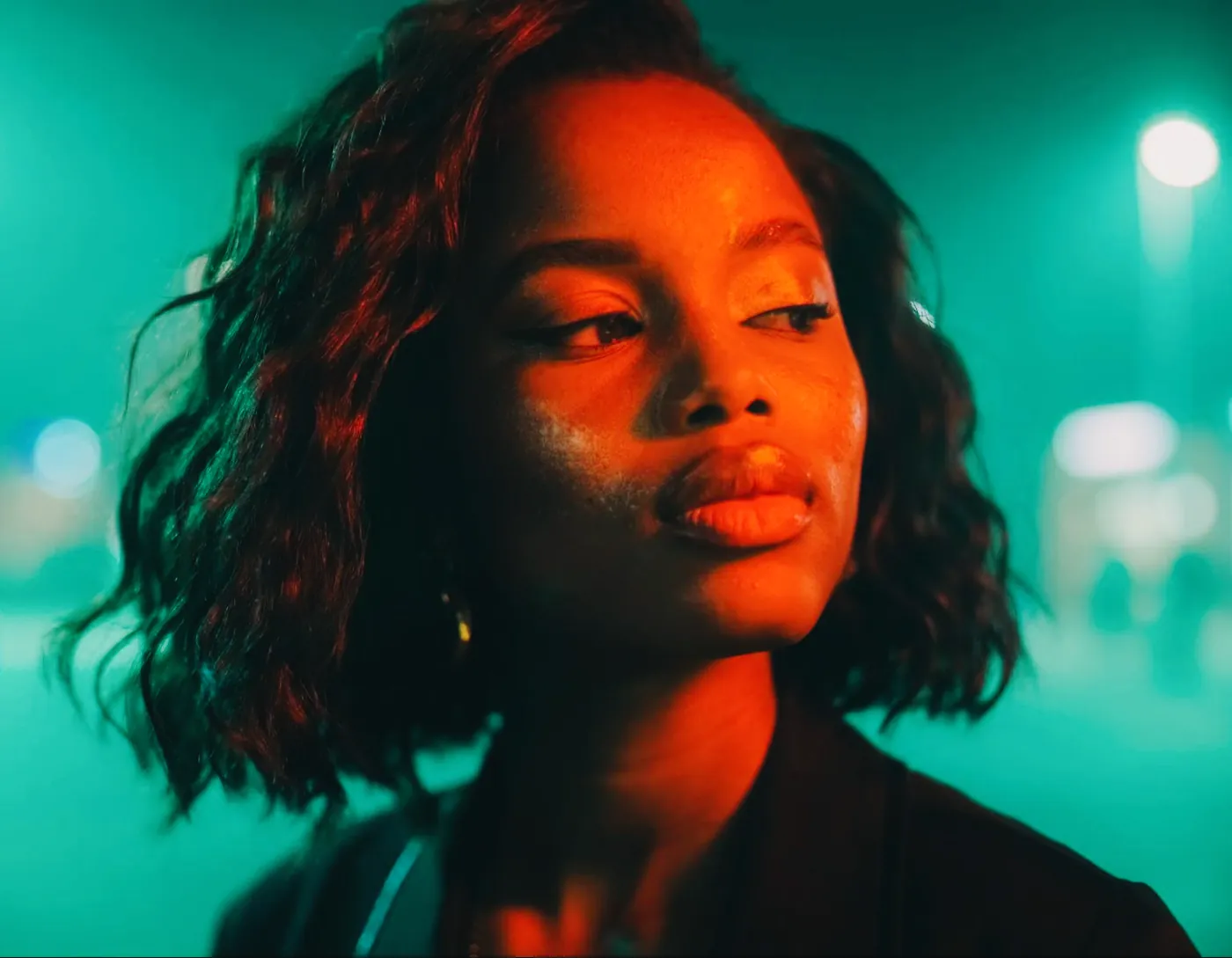
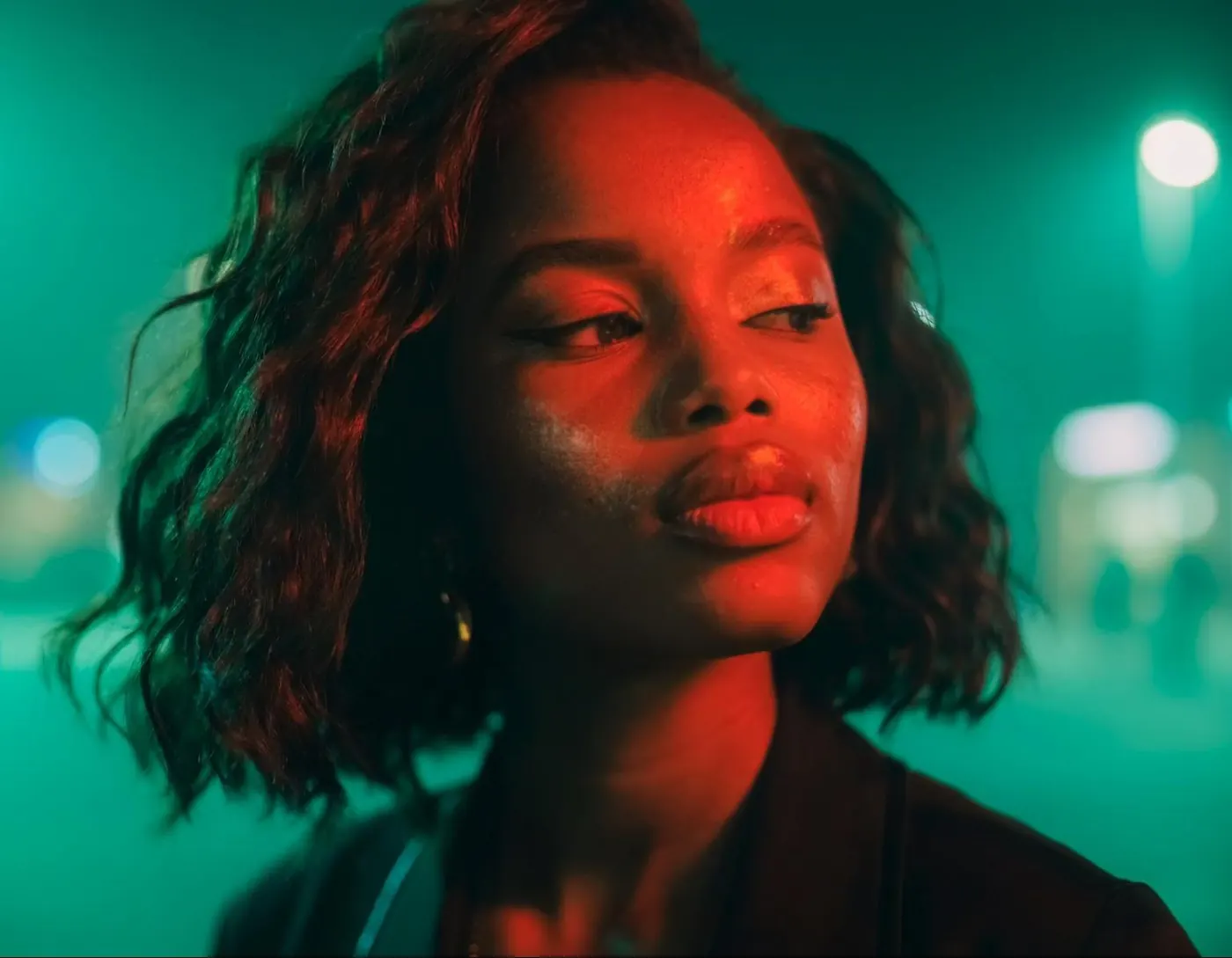
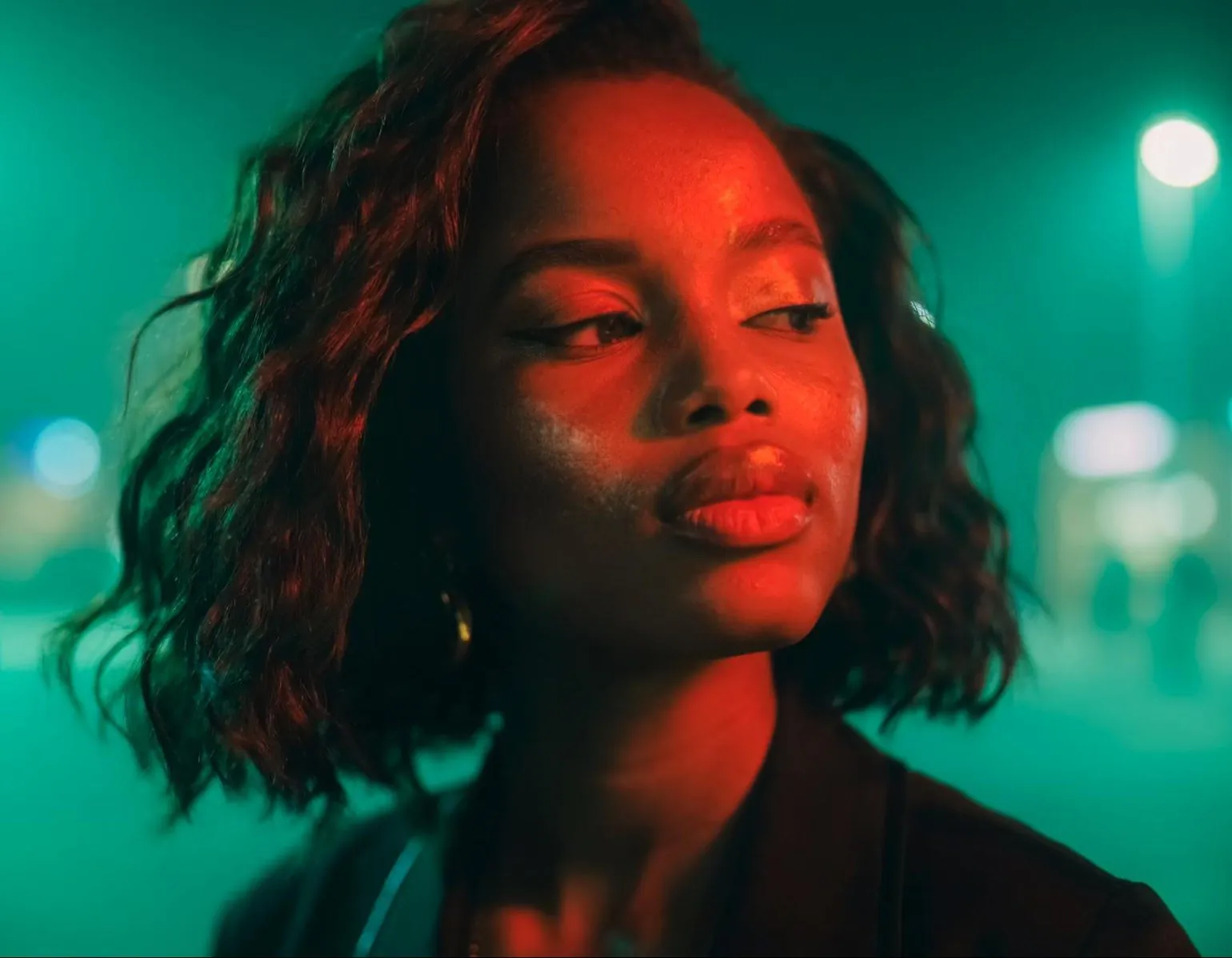
A young woman with deep brown skin lit by red and green street light, graded with PT400 Portrait Neg 400.
Portrait Neg 400PT400Negative ArchivePro
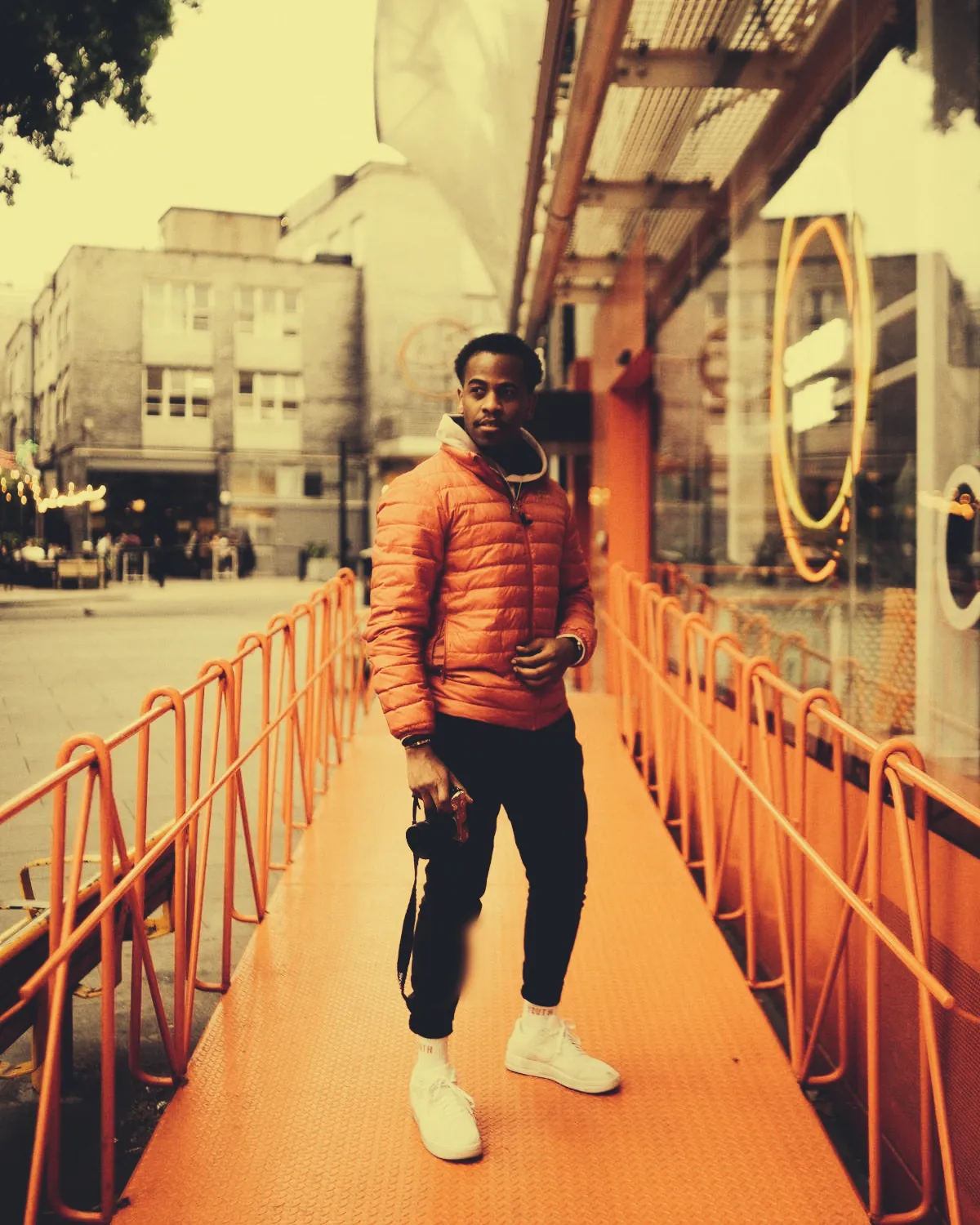
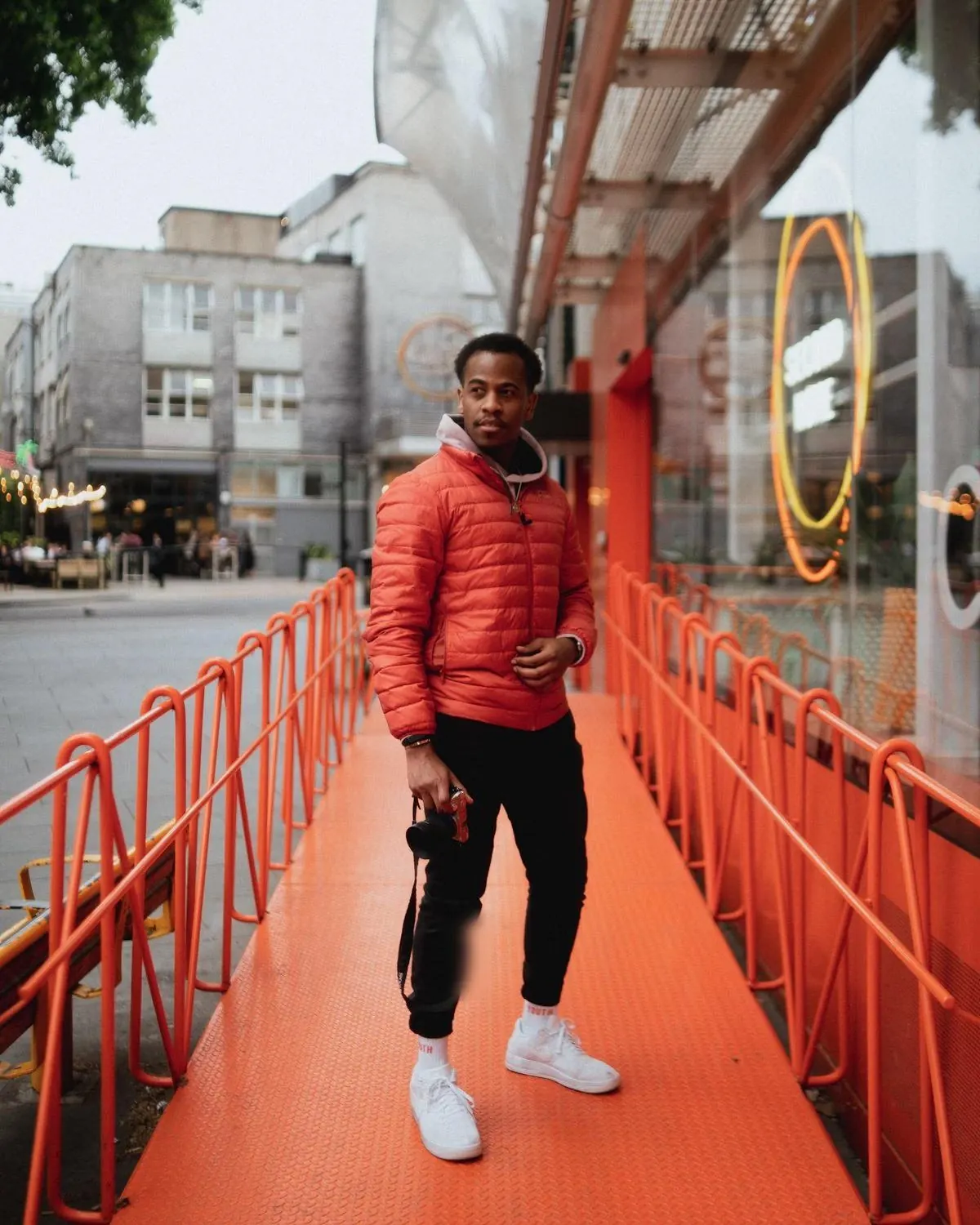
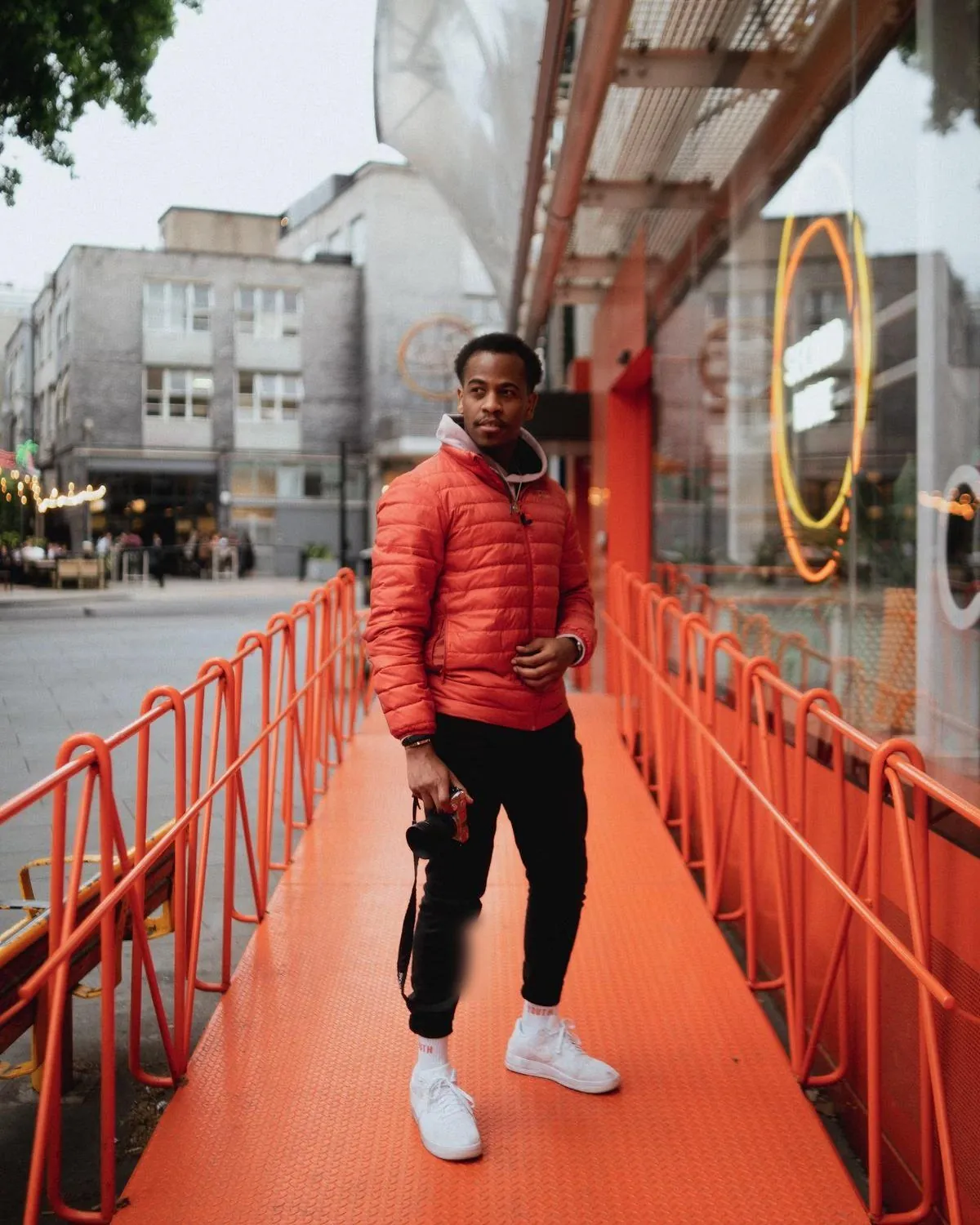
A man in an orange puffer jacket on an orange footbridge, graded with PX70W Integral Warm.
Integral WarmPX70WInstant LabPro
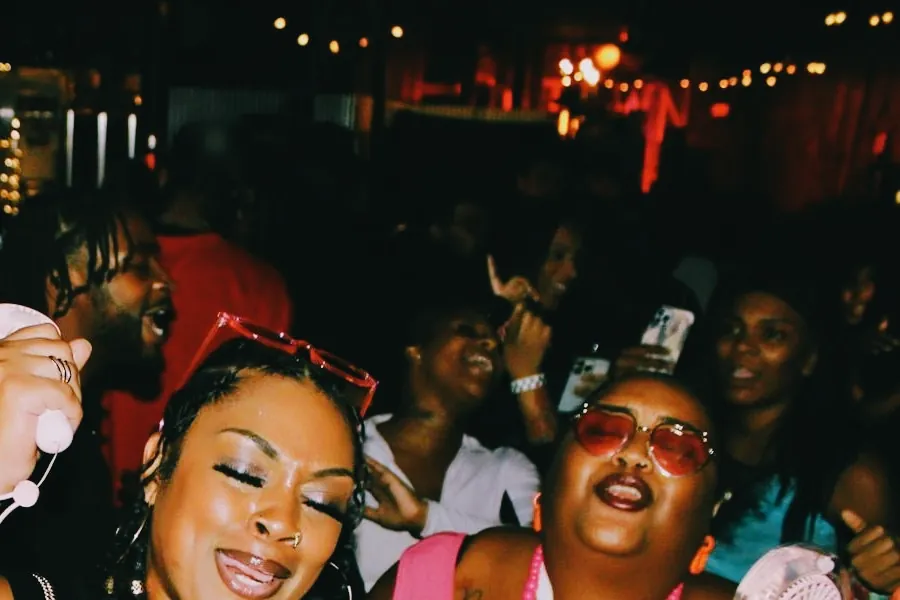
Friends laughing at a packed night-time party, graded with PT160 Portrait Neg.
Portrait NegPT160Film Stocks 01Free
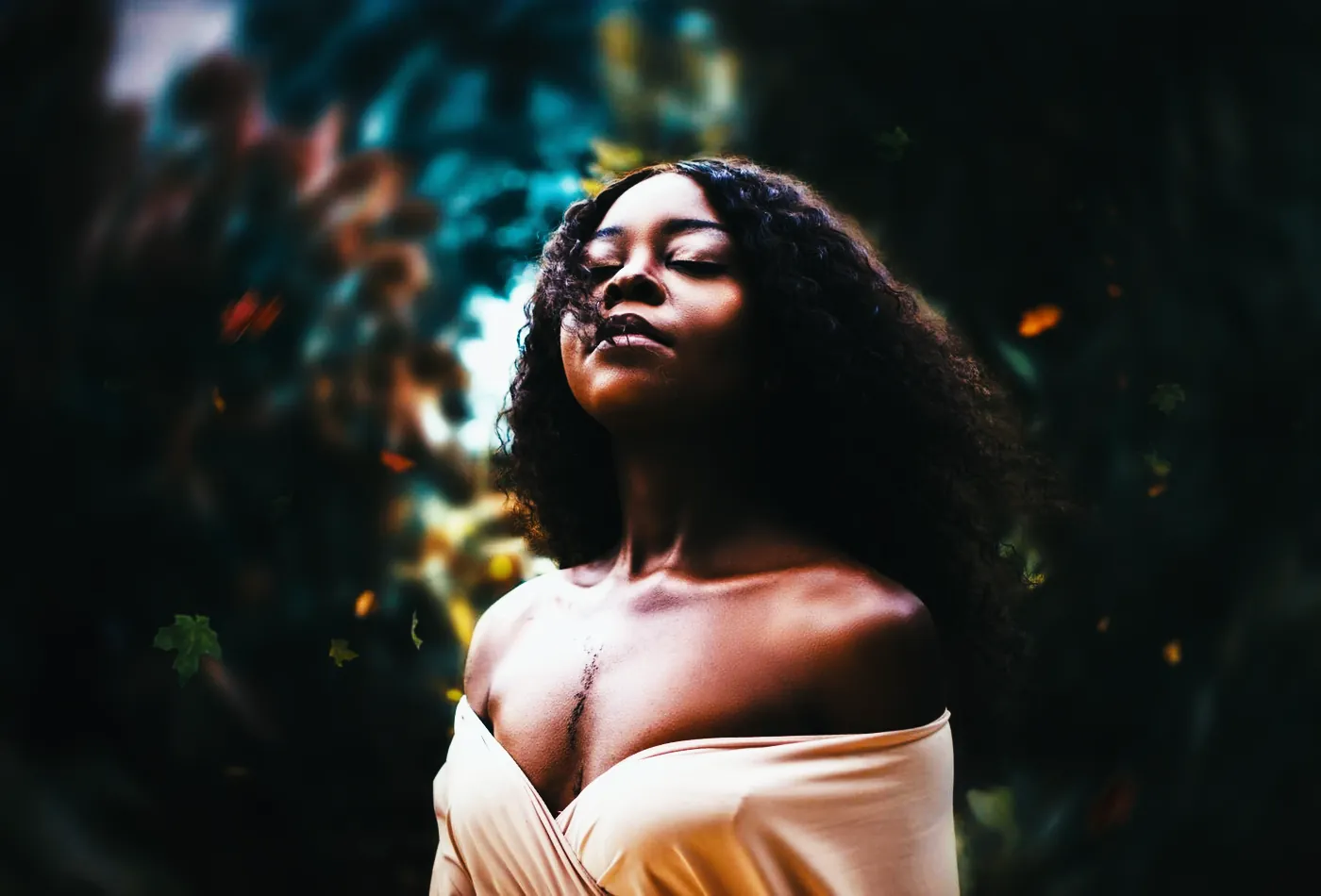
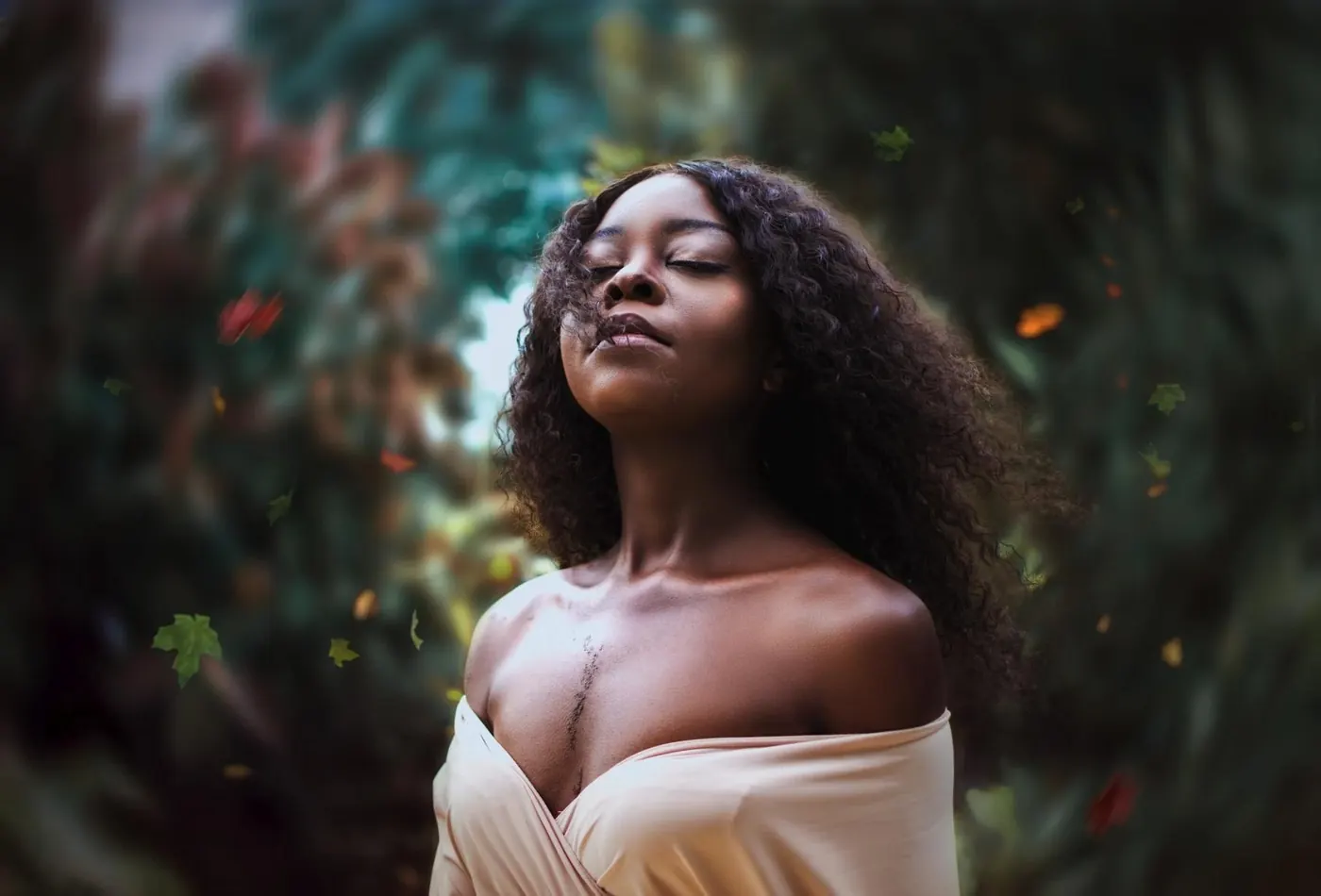
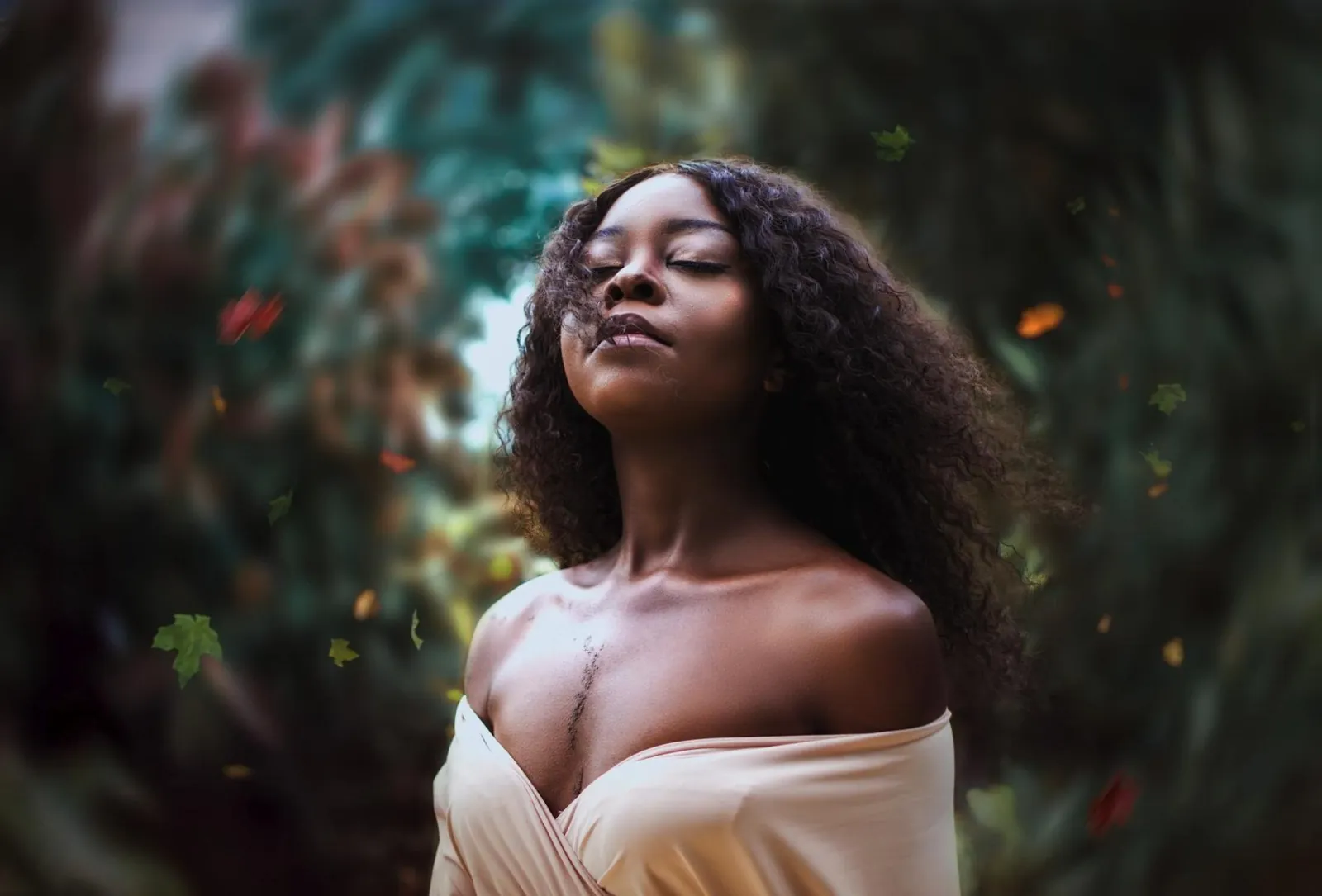
A woman with deep brown skin, eyes closed, in late light among leaves, graded with CP2383 Cinema Print.
Cinema PrintCP2383Film Stocks 01Free
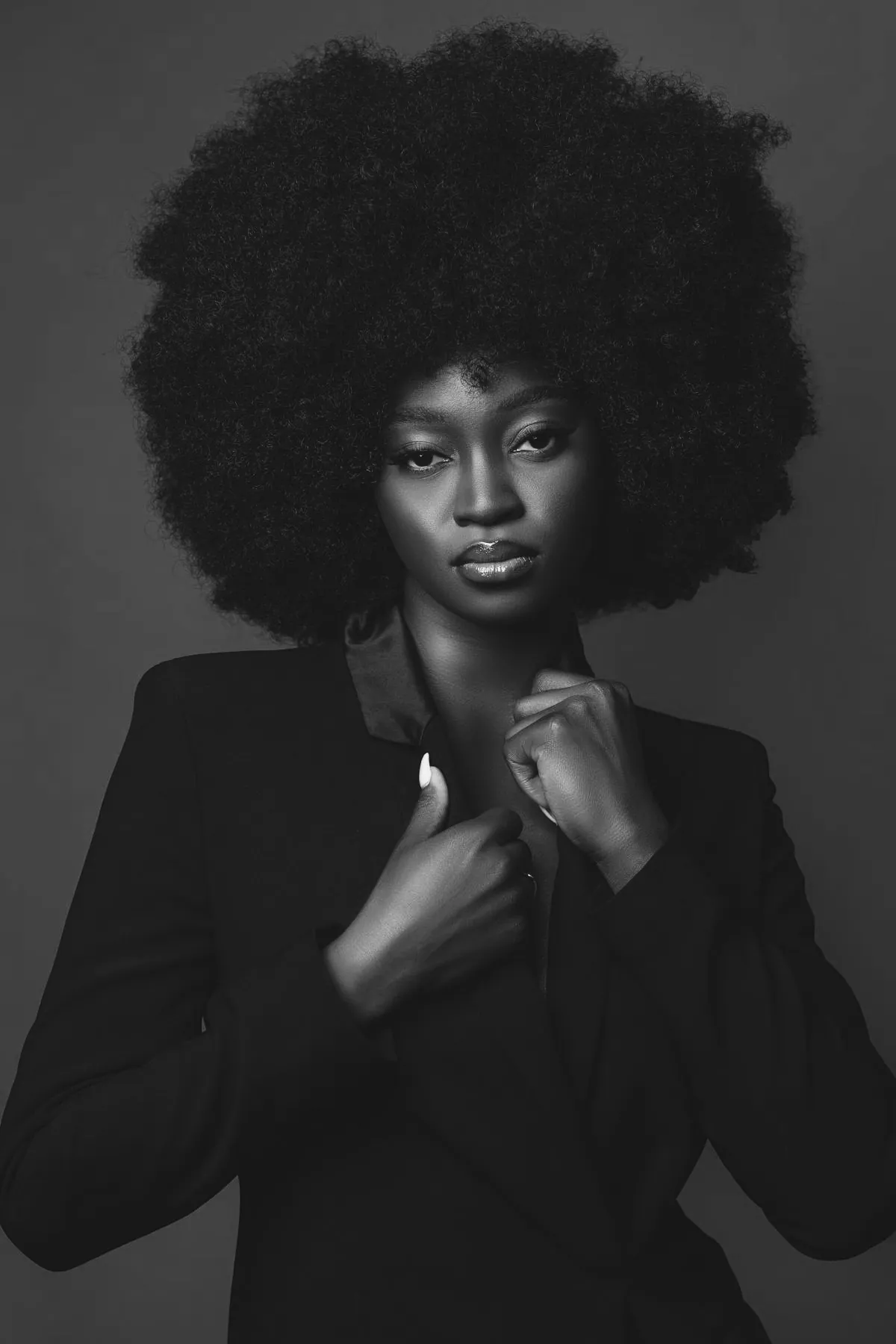
A woman with a full afro in a black blazer, in black and white with TX400 Reportage Mono.
Reportage MonoTX400Film Stocks 01Free
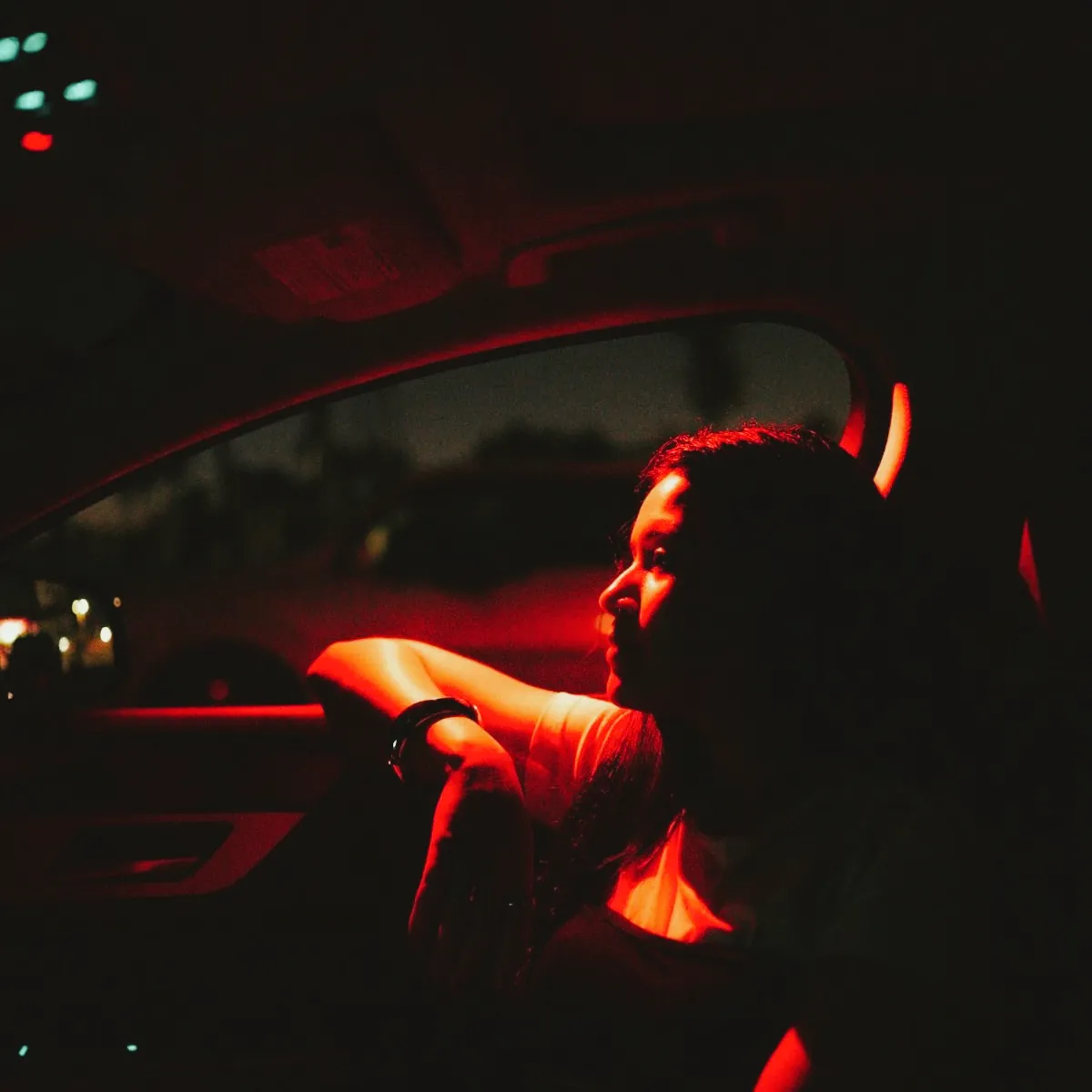
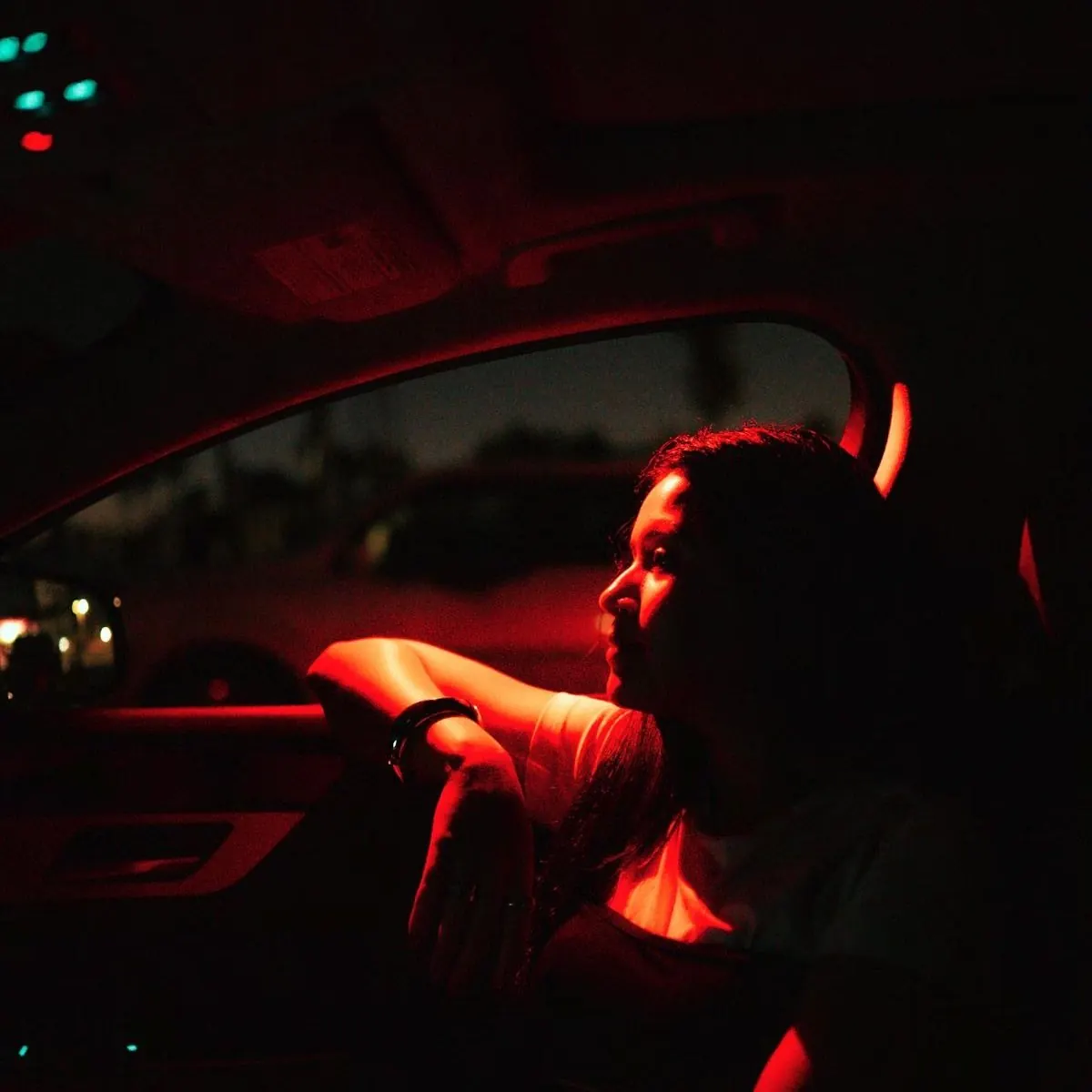
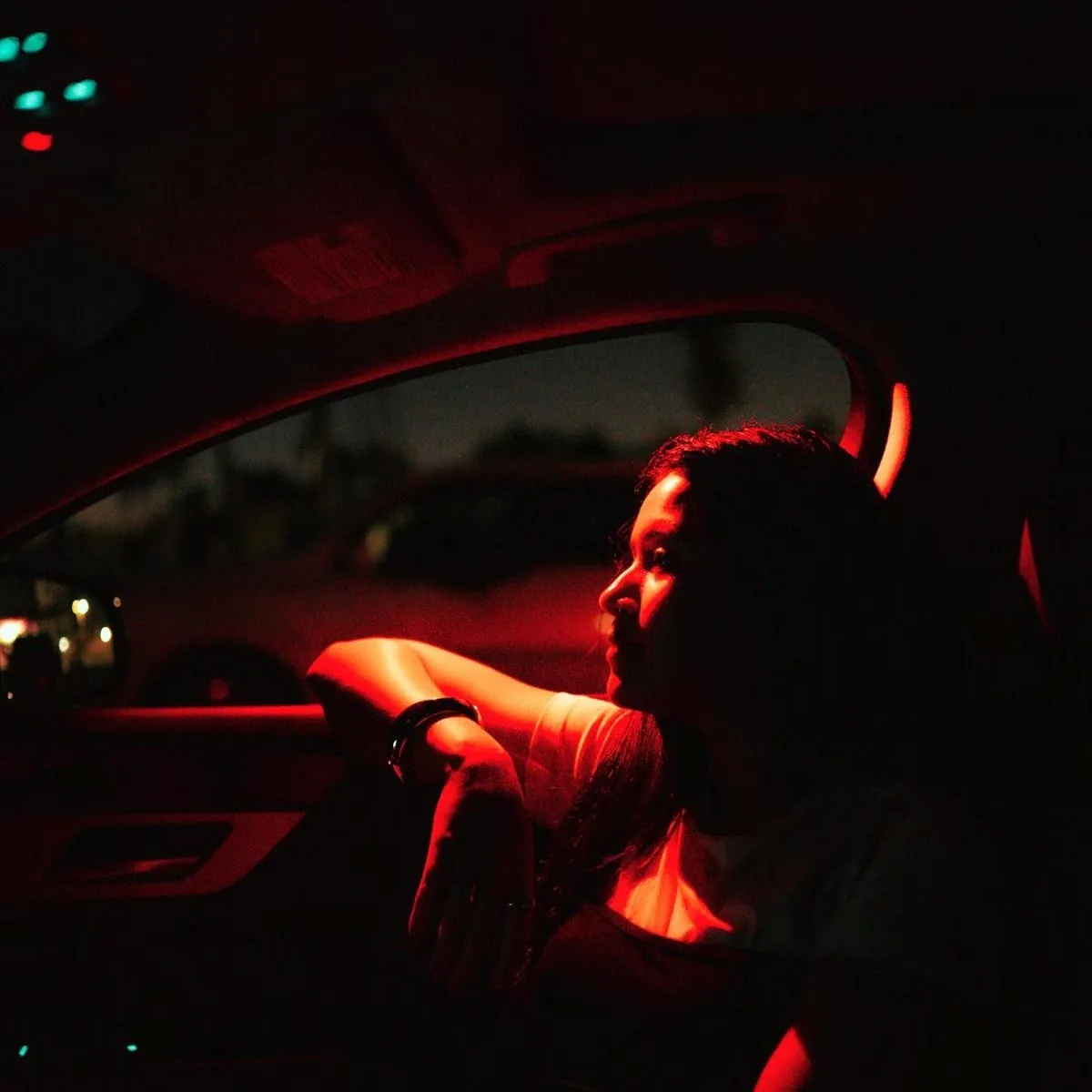
A driver at night lit by red light through the car window, graded with FN800 Evening Neg 800.
Evening Neg 800FN800Negative ArchivePro

Skin-true

Tuned on deep skin first.

Most filters were built on pale skin and turn everyone else grey or orange. LumaLook starts from Black and brown skin, so the warmth in a face survives the grade, under golden hour, neon or a phone torch.

Deep & True

Accurate and luminous, with no cast.

#C98A5E

Melanin Glow

A warm, golden editorial glow.

#D89A55

Rich Cinema

Teal and amber print, and faces stay warm.

#B87A4E

Richness comes from light, not orange. The Skin First presets lift orange luminance and the toe of the curve instead of piling on contrast, which crushes detail in dark skin.

A woman with deep brown skin and loose curls, eyes closed, lit by warm late light in a forest.
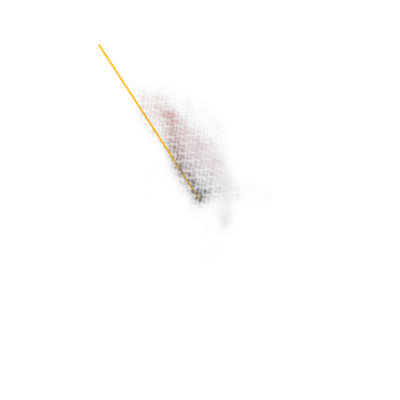
A vectorscope of the skin in this photo. The points cluster along the yellow skin-tone line. Park skin on the line. The skin-tone line on the app's vectorscope, at about 11 o'clock. It holds for every complexion.
Sample frame
Photo: Diana Simumpande, Unsplash
Skin-tone line 123°

Our promises

No hostage exports.

The loudest complaint about video apps is a paywall sprung at export, after an hour of work. In LumaLook every premium look wears a lock from the start, and nothing else you make is ever held back.

01

Every look, free to try.

Preview any look on your own photos and clips for as long as you like. Premium looks are marked before you use them, and you only pay if you export one.

02

No watermark. Ever.

Nothing you export carries our logo, on the free plan or any other. Your work goes out looking like yours.

03

Packs are yours to keep.

Buy a pack once and it stays yours, with no subscription. Lifetime includes every pack we ever make.

Looks

123 looks. 11 packs.

Each pack is a roll of film: one family, a short code on every look and a line about its character. Two packs are free and the other nine come with Pro. Every paid pack except After Dark is also yours for a one-off price.

NewPro

After Dark5 looks

Looks for flash, neon and packed rooms.

AD1AD2AD3AD4AD5
Free

Negative Set 015 looks

Everyday colour negative: soft contrast, honest skin and forgiving highlights.

KD2KD4KD52FJ4AG20
Free

Film Stocks 0114 looks

Measured emulations of real film: negative, slide, mono, instant and cinema print.

PT160EK100KC64TX400IN669CP2383+8
$3.99

Cine Print Set 015 looks

The projection-print look: teal shadows, amber skin and blacks that mean it.

CN83CN93CN71CN12CN44
$2.99

Originals 013 looks

LumaLook signatures. Moods, not stocks.

LL1LL2LL3
$2.99

B&W Set 013 looks

Monochrome with intent, from street contrast to gallery softness.

BW32BW4BW16
Also in the app: Negative Archive (17), Slide Archive (15), Mono Archive (22), Instant Lab (19) and Mirrorless Sims (15), $3.99 each or with Pro. Covers use the sample photos that come with the app.

Pricing

Every look. Every pack.

The camera, the editor and two full packs are free, with no watermark. Go Pro for every look, or pay once and keep everything for good.

Free

$0

Free forever

  • Camera, grade room and the full video editor
  • Negative Set 01 and Film Stocks 01 to export
  • Preview every other look on your own shots
  • Import your own .cube LUTs
  • No watermark
Coming soon

Pro

$34.99per year

7-day free trial. Works out at $2.92 a month.

  • All 123 looks and every new pack
  • Stack looks with a strength for each
  • Batch export up to 10 clips
  • Take your grade anywhere as .cube
  • Cinematic lenses: anamorphic, vintage prime and more
Start the free week

Lifetime

Pay once

$79.99once

No subscription

  • Everything in Pro, for good
  • Every pack, including all future packs
  • One payment, nothing to renew
Get Lifetime

Or buy single packs from $2.99 and keep them. Prices are in US dollars; the App Store shows the price in your currency. Subscriptions renew automatically until you cancel. See the terms.

Questions

Good to know.

Anything else, ask us. A real person answers.

Is LumaLook free?

Yes. The camera, the grade room, the video editor and two full packs (19 looks) are free to use and export, with no watermark. You can preview every other look on your own photos and clips before you decide to buy anything.

What does "skin-true" mean?

Our looks are built and checked on Black and brown skin first, then everyone else. In practice that means warmth in faces is protected, shadows keep their detail, and skin lands on the vectorscope's skin-tone line instead of drifting grey or orange.

Does it work for photos and video?

Both. The same look works in the camera, on photos in your library and on every clip in the editor, so a shoot can match from stills to video.

Can I use my own LUTs?

Yes. Open .cube files or ZIP packs of them from the Files app and they appear in your library beside ours. With Pro you can also export any grade you build as a .cube.

Are my photos and videos uploaded anywhere?

No. Grading, editing and exporting all happen on your iPhone. Auto captions run on the device whenever your language supports it; otherwise Apple's speech recognition service handles them. The privacy policy has the details.

How does the free trial work?

Yearly Pro starts with 7 days free. If you cancel at least 24 hours before the week ends, you pay nothing. Otherwise it renews at $34.99 a year (or your local price) until you cancel in Settings, then your name, then Subscriptions.

Which iPhones does it run on?

Any iPhone on iOS 17 or later. Some camera features depend on the lenses your iPhone has.

I changed phones. How do I get my purchases back?

Sign in with the same Apple Account, open You, then Settings, and tap Restore Purchases. Pro, Lifetime and any packs you bought come straight back.

Get the LumaLook.

Film looks true to every skin.

Download on the App Store

Coming soon. For iPhone, iOS 17 or later.